Designed for listening
Immediate playback, background audio, and lock screen controls keep the screen out of the way.
Wikipedia, read aloud. Search any topic and have it read to you — calm, hands-free, and made for falling asleep.
For moments when you want something interesting to hear, not another screen to look at.
umbra is not text with a play button attached. The flow is built for calm listening from the start.
Immediate playback, background audio, and lock screen controls keep the screen out of the way.
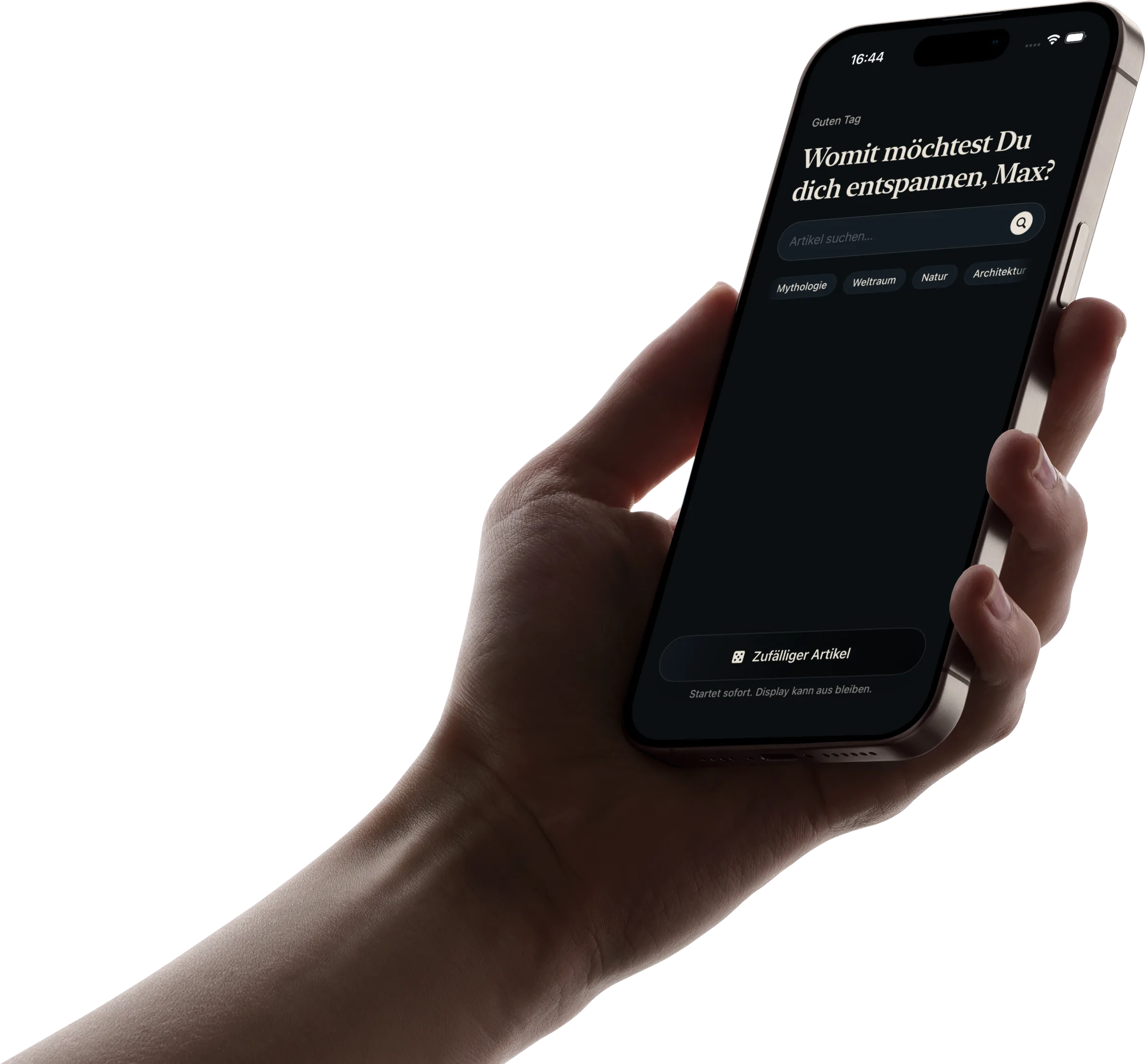
Search directly, follow themed chips, or start random when you want discovery without effort.
Suggestions and smooth transitions keep curiosity moving without turning the app into a feed.

Type a topic, press play, keep listening.
Type any topic — from black holes to Roman bread — and start listening in seconds.
Use themed chips when you want to browse without needing the perfect search term first.
Open something unexpected and let the next suggestions carry you forward.
Short answers before you install.
Free to start on iPhone.
Choose a topic, put the iPhone down, and keep listening.
Available on iPhone. Feedback anytime at /en/contact/
