01
Search
Search for a topic
Type any topic — from black holes to Roman bread — and start listening in seconds.
Topics, suggestions, and clear entry points help you start listening without friction.

The entry point is intentionally light. A topic, a chip, or a random start is enough to turn curiosity into calm listening.
umbra does not ask for a big decision up front. You can search directly, drift through a theme, or simply begin with something unexpected.
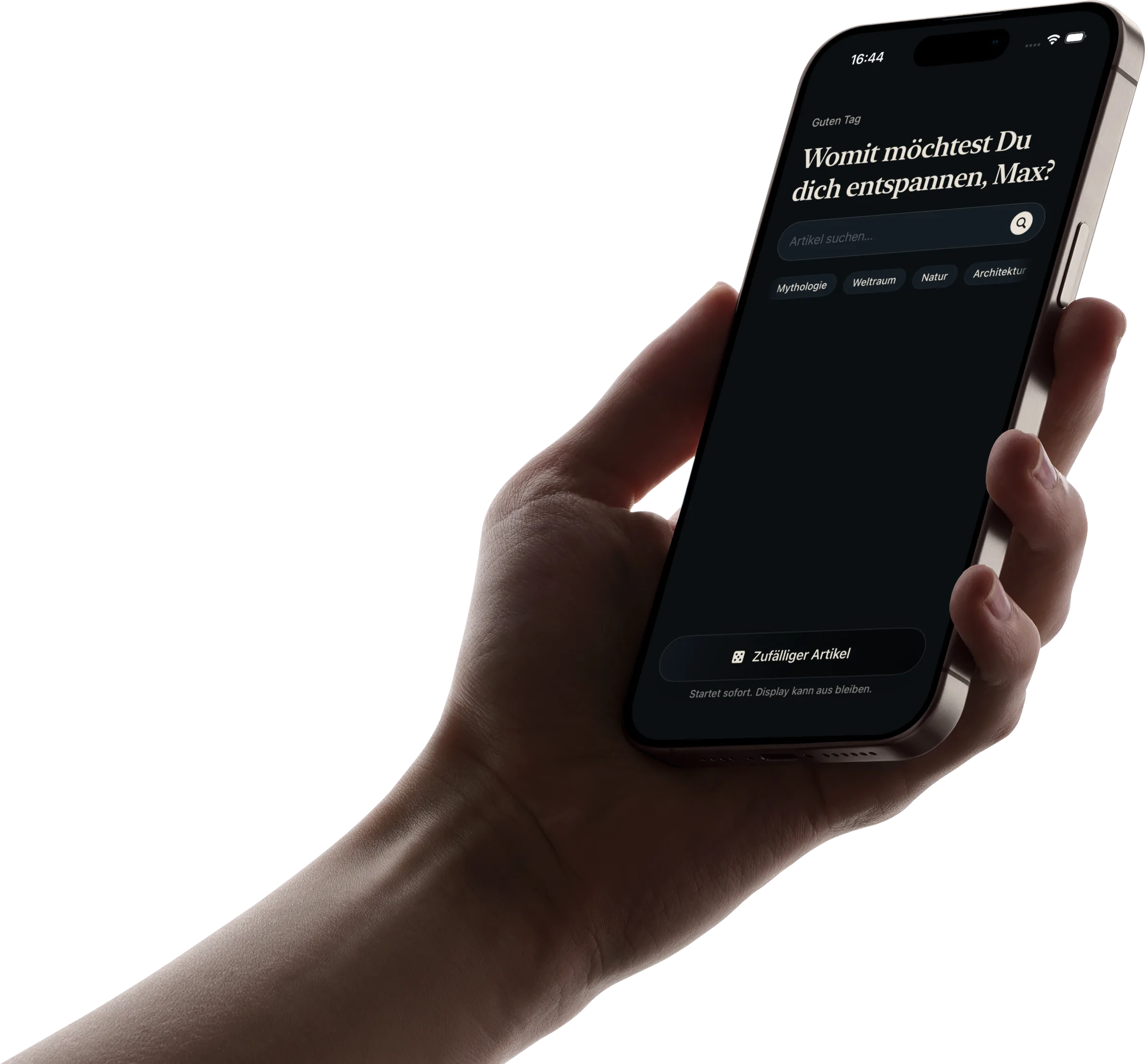


You can begin with intention or simply drift into it. What matters is that the first step stays light.
Type any topic — from black holes to Roman bread — and start listening in seconds.
Topics, suggestions, and clear entry points help you start listening without friction.
Use themed chips when you want to browse without needing the perfect search term first.
Short transcript sections keep the experience grounded and let you jump to the right moment with one tap.

Open something unexpected and let the next suggestions carry you forward.
Soft suggestions and smooth transitions turn one article into the next without making the app feel like a feed.

The ease is not only at the beginning. The listening flow itself is built to stay low-friction and lightly guided.
Immediate playback, background audio, and lock screen controls keep the screen out of the way.
Short transcript sections keep you oriented and let you tap directly to the part you want.
Keep the articles you want to return to and find them again later in your favorites.
Free to start on iPhone.
Choose a topic, put the iPhone down, and keep listening.
Available on iPhone. Feedback anytime at
One last calm look at the app, then the screen can fade into the background and the listening can continue.
